Guitar, bass, keys, pads — or no instrument yet
Learn music theory
by playing it.
Lessons that reorder around what you came to learn, ear training in eight categories, and songs graded note by note as you play them — on a MIDI keyboard, your own instrument through the mic, or right on the screen.
No account needed to start
- 4 lessons and 27 songs with no account
- Runs in your browser — nothing to install
- In English and Romanian
47
Lessons, each with a quiz and a play-along exercise
27
Songs to play along with, graded as you play
8
Ear-training categories, four levels each
0
Signups needed to start practicing
Eight paths
Say what you came to learn and the app puts it first. Six paths reorder the same forty-seven lessons around a goal; one is the drums, and one is the instrument you play.
Harmony
Triads, sevenths and progressions first; scales and transposition when you need them.
Composition
Progressions and form, aimed at writing your own rather than analyzing somebody else's.
Reading music
The staff, clefs, and ledger lines, with a Clef Trainer sprint once you are fluent.
Sight-reading
Timed from the start, on an exercise generated fresh each day.
The complete musician
All forty-seven lessons and every exam, in a better order than the default.
Just for fun
A short mixed session — a few notes, a few chords, and the progression behind most pop songs.
Drummer
From a first steady beat to a 32-bar chart, on the drum pads — graded in Play Along, in the styles you pick.
Your instrument
The part that is not theory — holding it, tuning it, and the first things worth practising, for whichever one you play.
- Harmony reaches triads without making you finish modes, harmonic and melodic minor, and transposition first — three lessons you did not come for.
- Reading opens the staff at step two instead of step thirty-five, and Sight-reading puts a timed exercise in front of you from its very first stage.
- A session mixes what a path is for: a lesson, an ear-training drill at the difficulty it is ready for, a sight-reading exercise generated fresh that day, and a recording of the instrument where hearing it is the point.
- Say which instrument you play and the lessons draw their shapes on that one — plus a track of its own: forty-eight lessons across guitar, bass, keys, the pad grid and the stylophone, about holding, tuning and practising the thing rather than about theory.
Play Along
Play a song. Find out how you did.
Load a song and play it on anything — your own instrument through the microphone, a MIDI keyboard, or the screen. Every note you play is matched against the score for pitch and timing, and you get the numbers at the end.
- 27 public-domain songs and three MIDI warm-ups, with no account
- Four ways to read the same song: piano roll, notation, note highway, pad grid
- Seven input surfaces, five of them free — and MIDI hardware is graded whichever one you pick
- Pad Run, a game mode for 8 × 8 and 4 × 4 pads, with a grade for every run
Curriculum
Lessons, reordered by goal
Forty-seven lessons, each with a quiz and a play-along exercise generated for it, plus unit exams and a review queue that asks a missed question again rather than only listing it. Pick a theory path and the order changes to suit it — nothing is added, nothing is removed, and every lesson still has to be earned. Drums and Your instrument leave those forty-seven alone and bring a track of their own.
- Eight paths: six re-order the same lessons, one is the drums, one is your own instrument
- A daily session picked for you: what is due, what is next, what is weakest
- Four lessons free with no account at all
Digital Instruments
An instrument in your pocket
Four instruments — a stylophone, a pad grid, a theremin and a playable staff — where every note bends, slides and swells on its own. Play them with a finger, a pen, or by tilting and moving the phone: they sound straight away, and send MPE to your DAW when you want them to.
- Every note bent, slid and pressed on its own — sent as MPE, one channel per note, up to 15 at once
- Played with tilt, movement, an S Pen and how much finger lands — not just a tap
- With the free helper running, each instrument gets its own MIDI port — one track each in your DAW
Ear Training
Hear it, then name it
Intervals, chords, scales, progressions and more, generated fresh every time and played through the same synth the instruments use. Answer on screen, on a MIDI keyboard, or by singing or playing into the microphone.
- Eight categories, each with four difficulty tiers
- Answerable by ear and by hand — MIDI in counts as an answer
- Your weakest category is what the daily session offers you next
And everything around them
The tools the four above lean on, and the ones that are just useful to have.
Community
Practice sticks when it's social.
Build a public profile, follow other musicians, and compare levels and streaks on the leaderboard. Challenge a friend to a head-to-head match, race the clock in a speed run, or just watch the leaderboard. Practicing alone is optional, not required.
More on community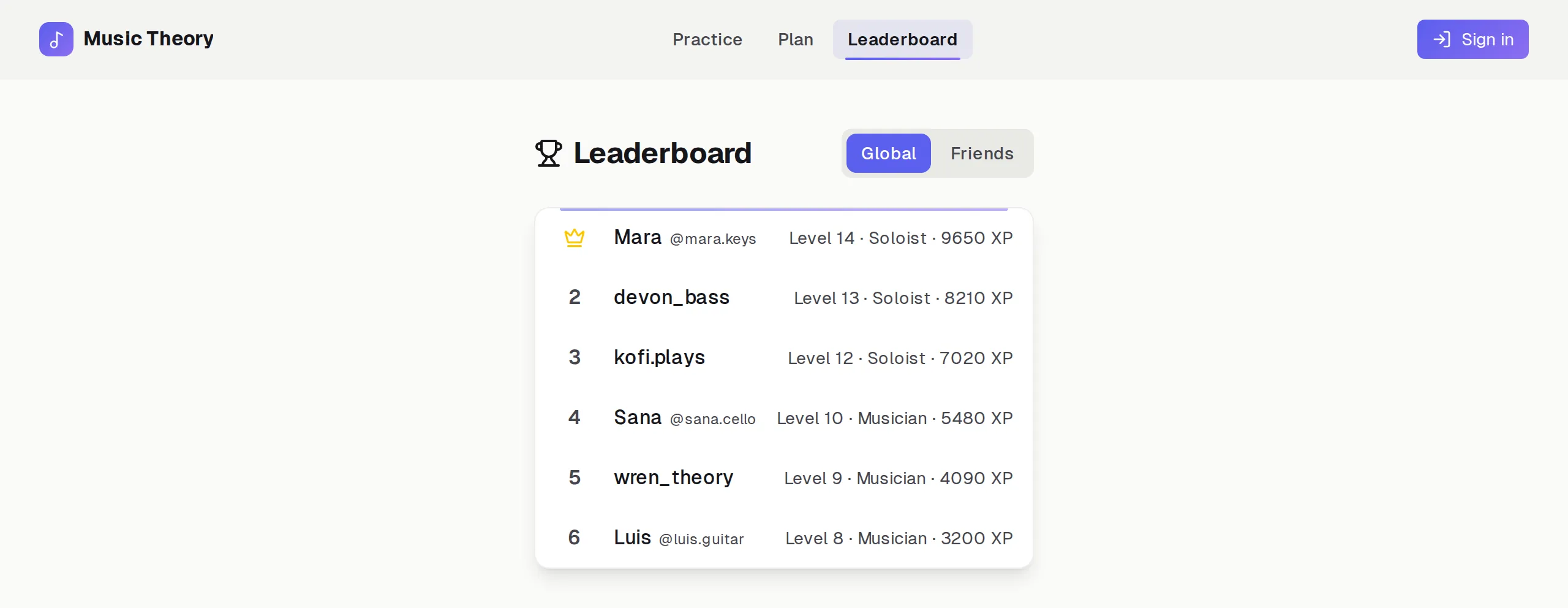
Start with a song. Stay for the theory.
No account needed to start